Equine MindsHow we work
The learning approach came first. The platform was then built to deliver it.
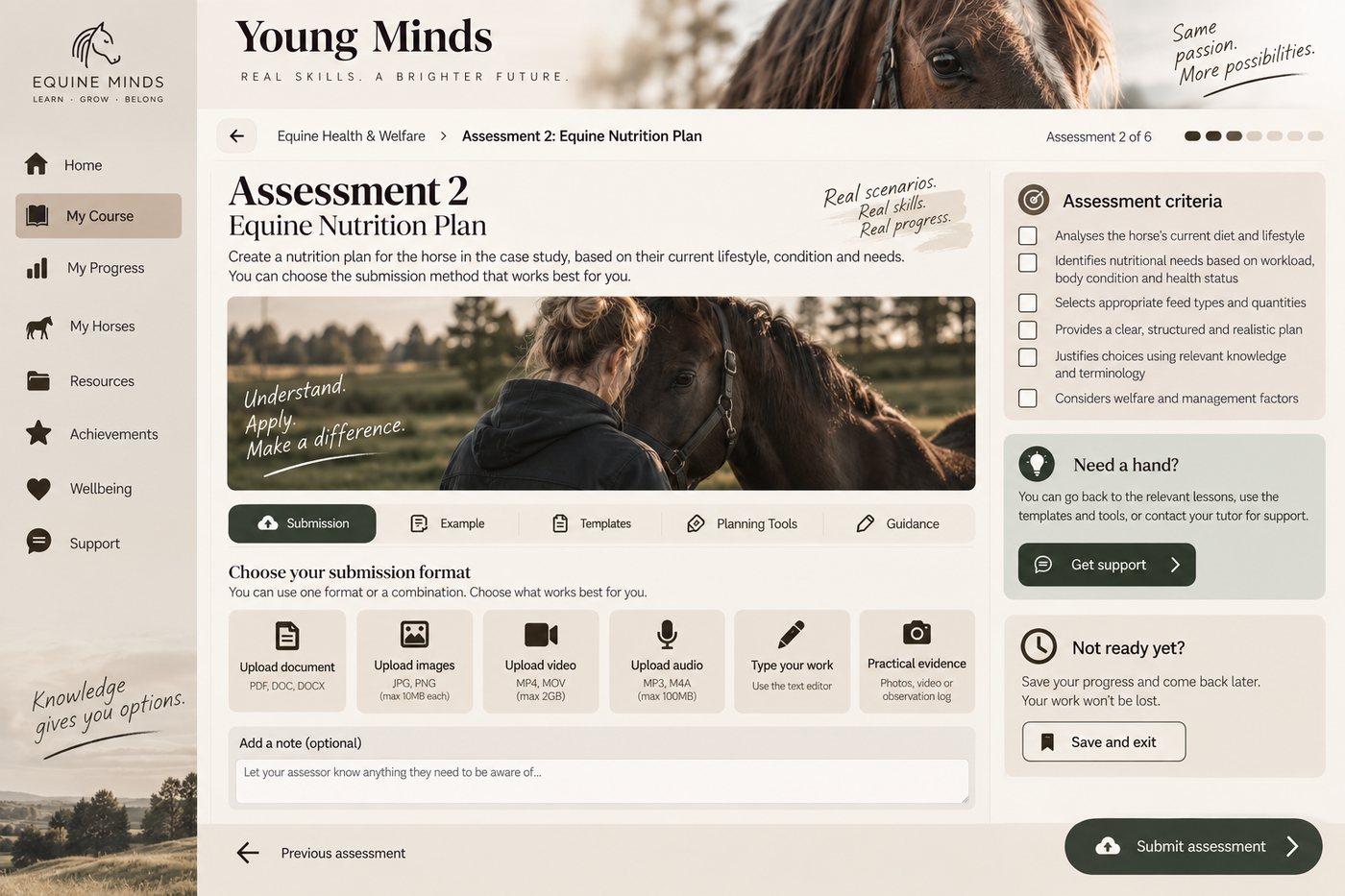
How the learning platform works
Rather than adapting Equine Minds to fit a generic course system, we created our own learning environment around clarity, flexibility and neurodivergent usability from the beginning.
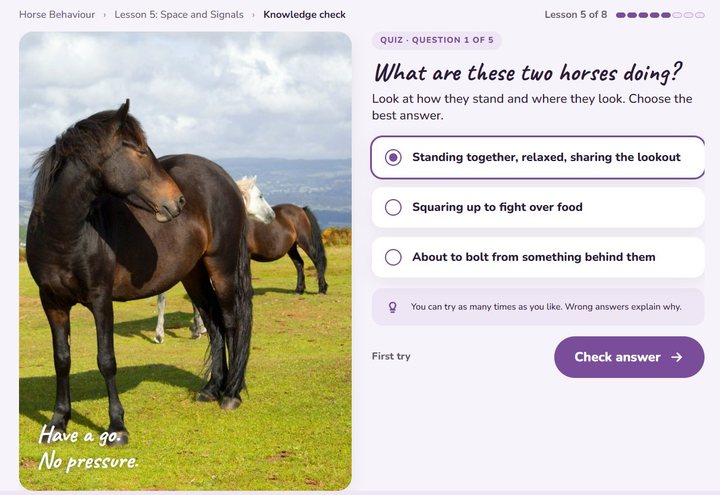
Lesson formats
Choose to read, listen, watch or interact
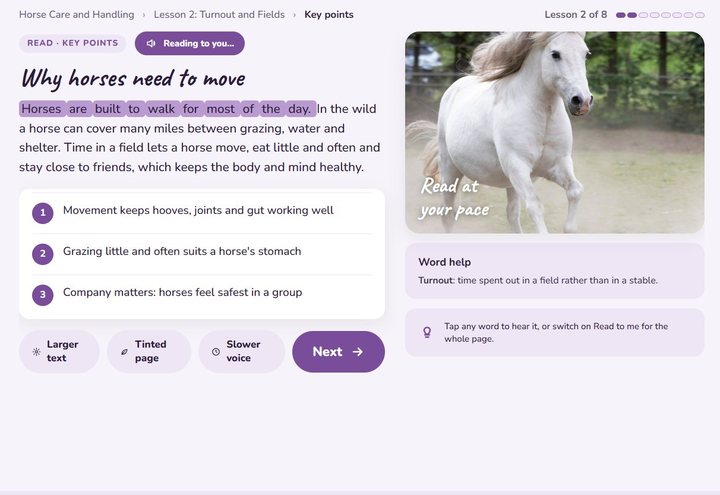
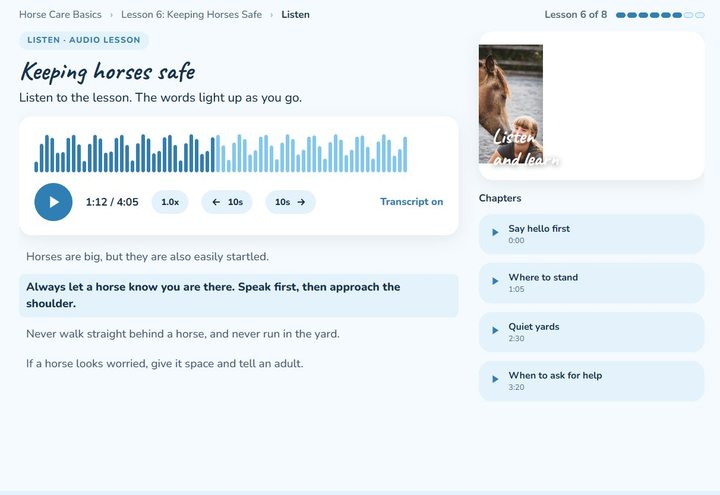
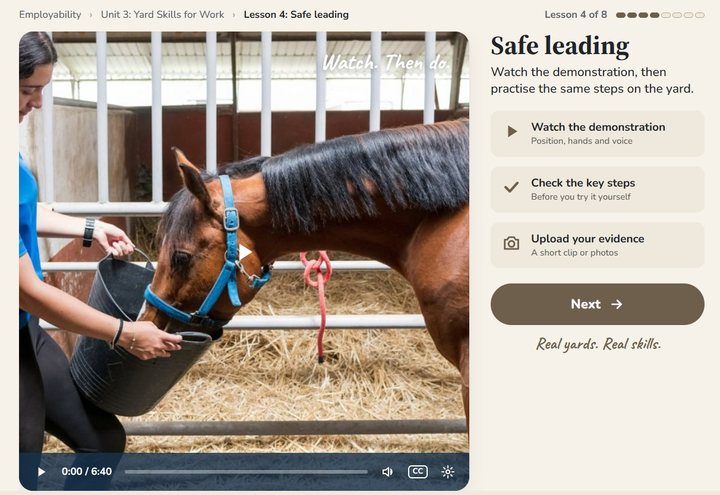
Where equivalent lesson formats are available, learners can choose whether to read, listen, watch or interact with the content.
The learning outcome stays the same. Choosing a different format does not mean repeating the work.
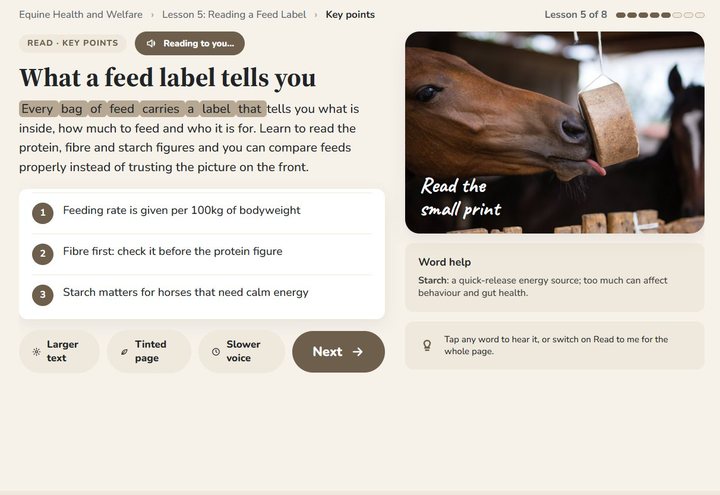 Read
Read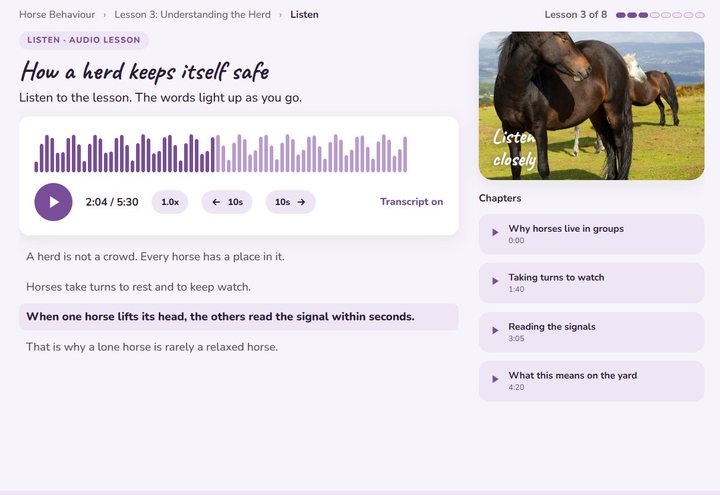 Listen
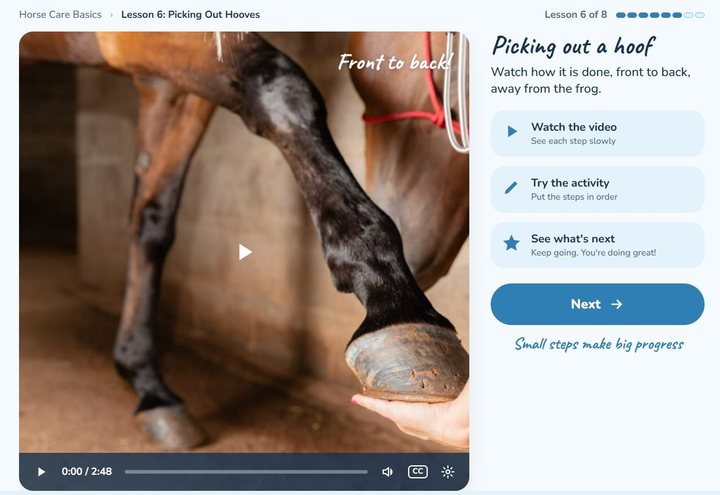 Watch
Watch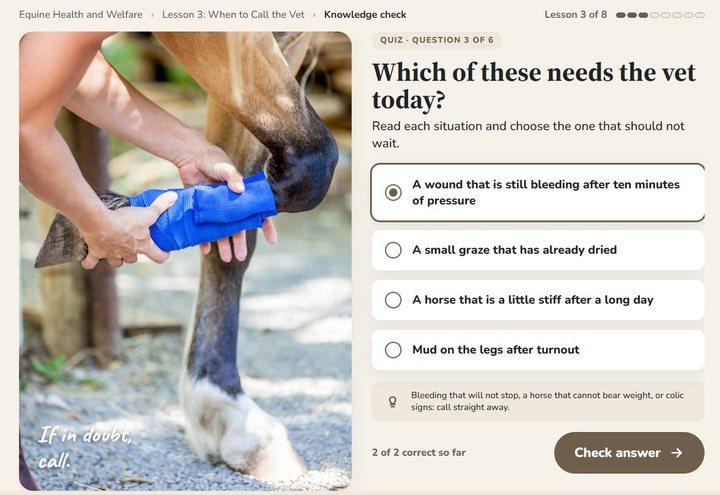 Interact
Built in, not bolted on
The features that make the difference
Calm / Focus view
Removes unnecessary on-screen distraction while keeping the lesson, progress and essential information visible. Learners can switch between Calm / Focus and the full view whenever they choose.
Save and return
Progress is saved accurately, so learners can pause and return to the right place.
If someone has been away for a while, they may receive a gentle reminder to continue. Taking a break is never treated as failure.
Staged evidence
Where an assessment allows it, work can be completed and gathered over time in an Evidence Folder rather than everything depending on one large final task.
Tutor support
There is always a clear route to ask a real person for help.
Learner-support questions normally receive a response within two working days, and submitted work is normally marked within seven working days.
Know when you are practising and when you are being assessed
Practice activities and formal assessment are clearly separated, so learners always know what they are doing and what counts towards assessed achievement.
No diagnosis needed
Neuroinclusive learning features are available to every learner.
There is no requirement to disclose a diagnosis or prove that you qualify for ordinary learning support.
One platform, three age bands
The same platform, at every age
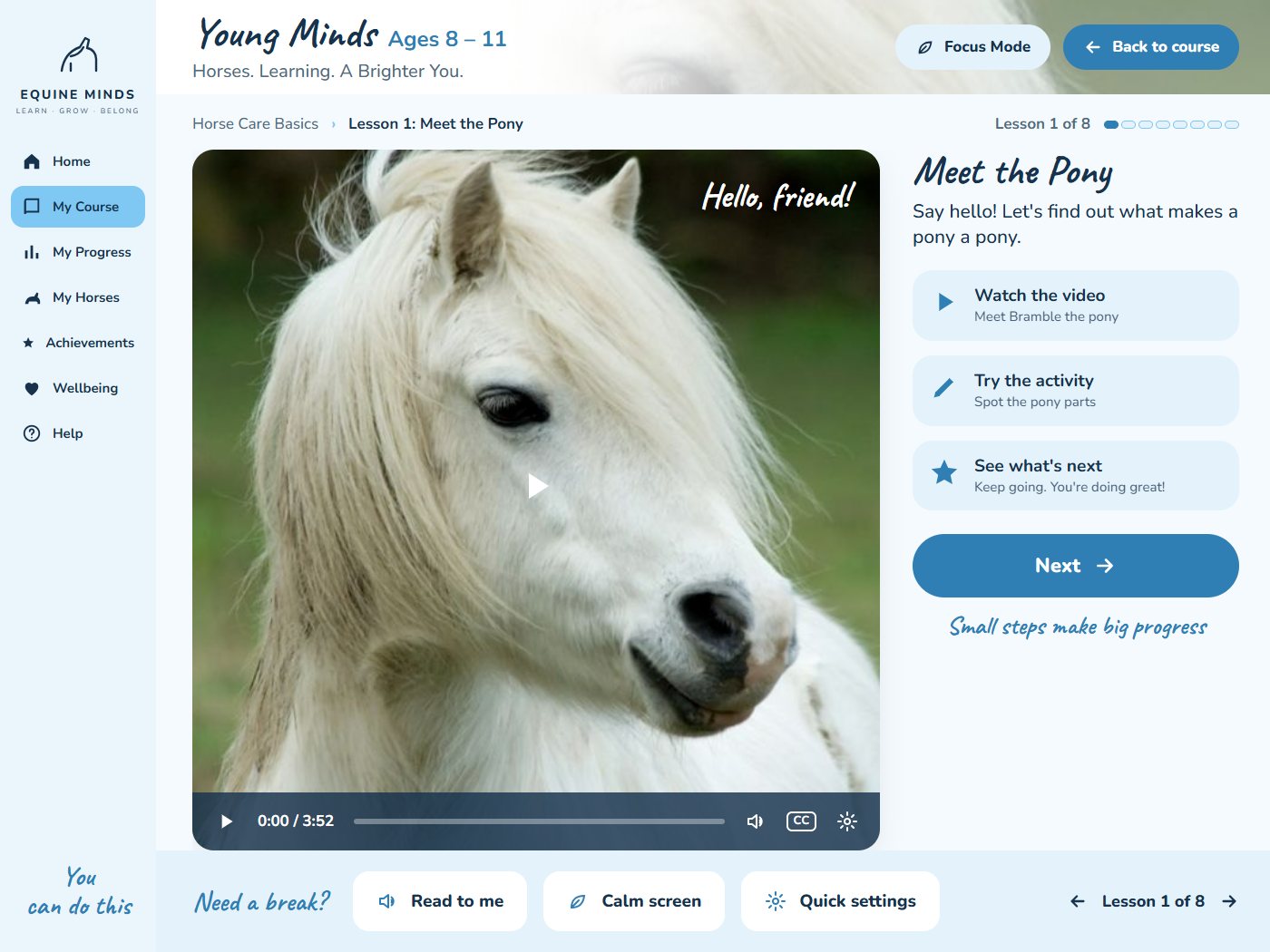
Ages 8 to 11Explore 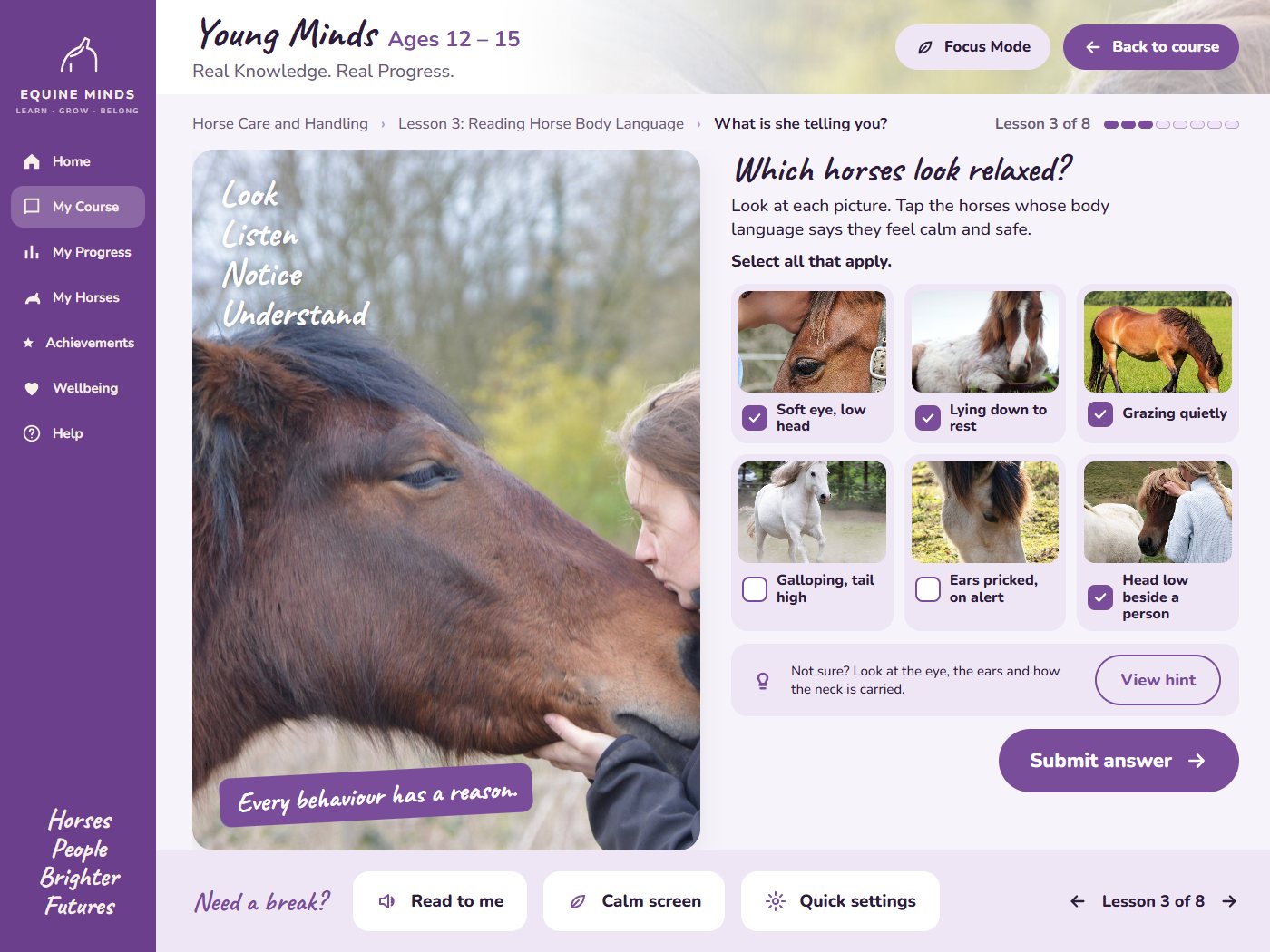
Ages 12 to 15Develop 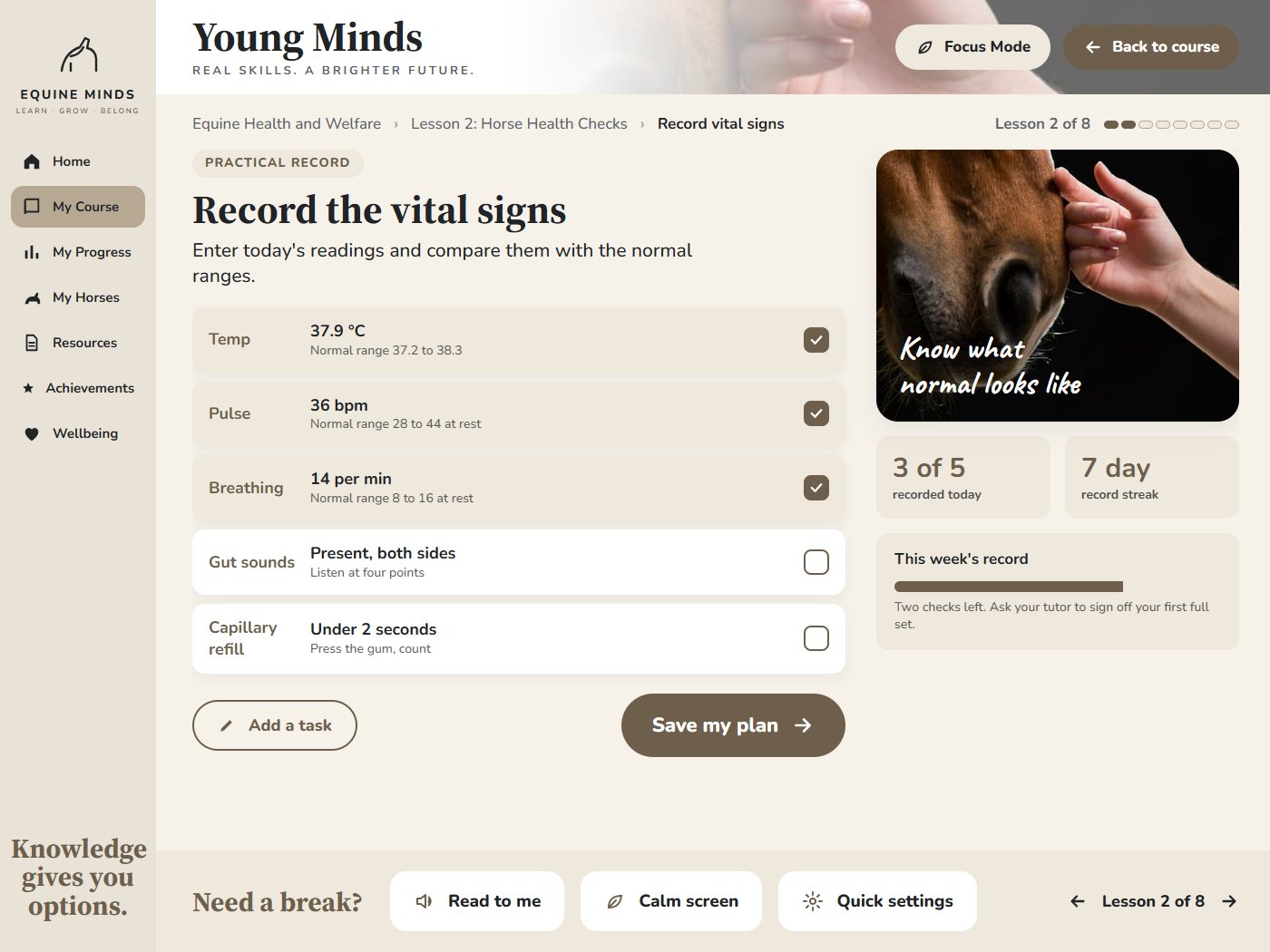
Ages 16 to 17Launch
Parents and guardians
Parent and guardian visibility
Depending on the learner’s age and the course, parents or guardians may be able to see enrolment, progress through lessons, assessment status, submitted evidence, tutor feedback and certificate readiness.
The aim is to provide enough visibility to understand progress while allowing the learner appropriate independence.